

 01
01Upload your photo on CocoAI
Add a soft, low-res, or slightly blurred JPG, PNG, or WEBP image.
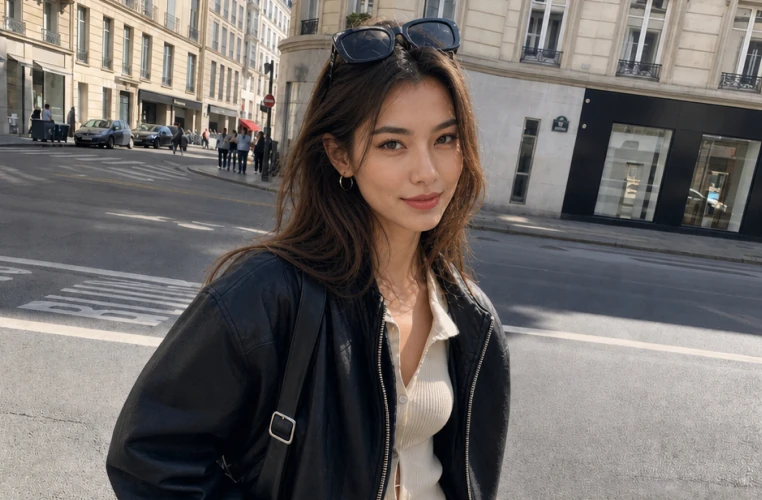
Enhance photo quality to true 4K and unblur soft images with natural detail — original texture preserved, no AI smear or plastic look.
01Add a soft, low-res, or slightly blurred JPG, PNG, or WEBP image.
 02
02Improve clarity and detail in one click — tuned to look like a better capture, not an AI filter.
 03
03Check skin, fabric, and fine textures — sharper without smear or over-smoothing.
 04
04Download a high-quality 4K result ready for social, listings, or archives.
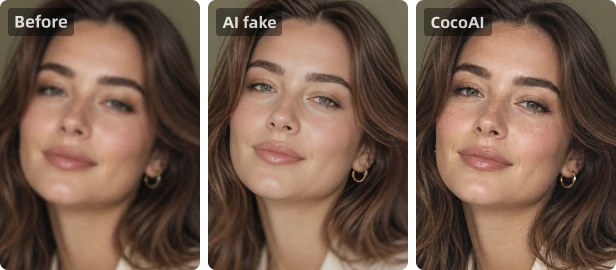
Unblur and enhance without plastic skin, smear, or over-smoothed “AI filter” results.
Skin, fabric, and fine detail keep real texture — as if the photo was simply shot sharper.
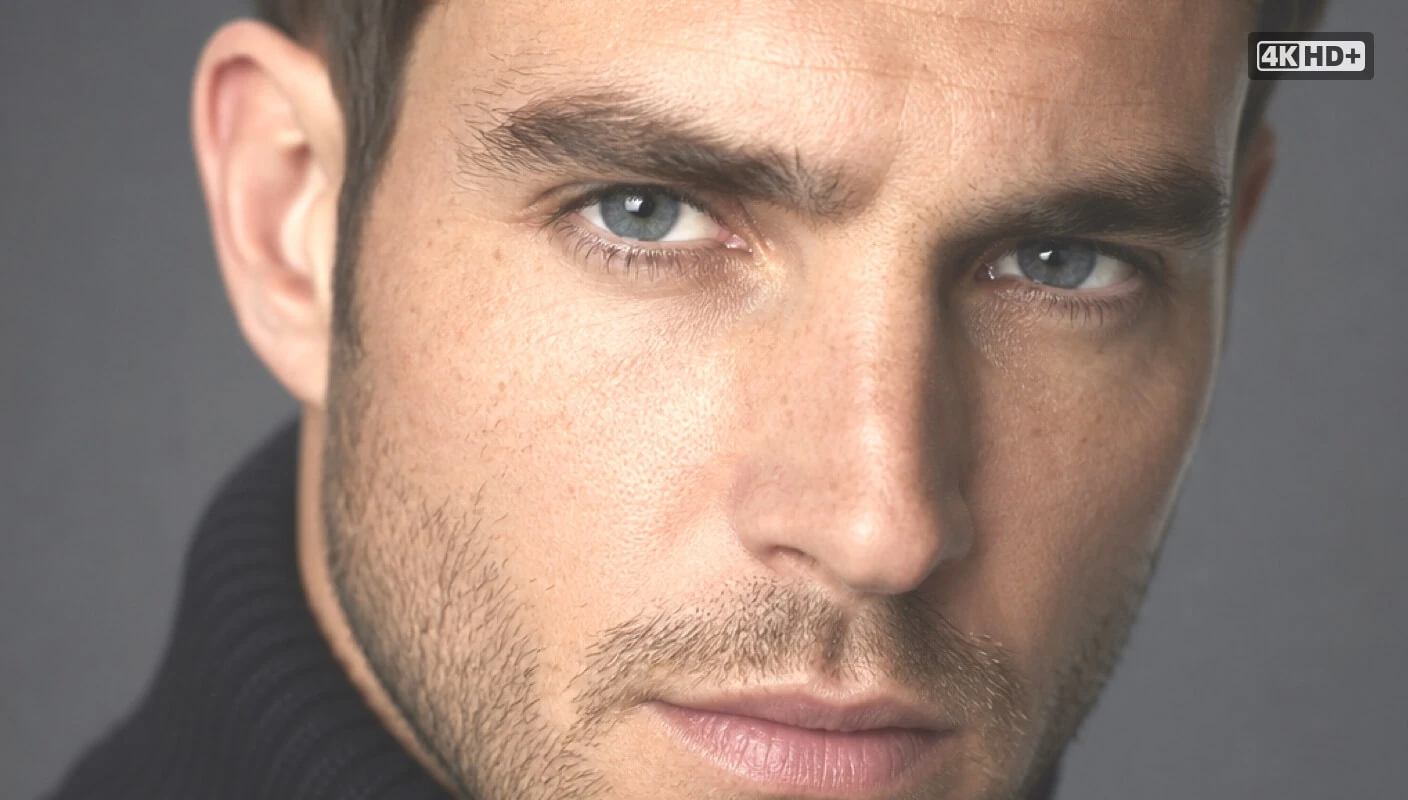
Upload your soft or low-res photo to CocoAI's AI Image Enhancer & Unblur tool — enhance clarity in one click while preserving natural textures like skin and fabric.
No. CocoAI targets natural photo quality — clearer detail without smear, plastic shine, or fake polish. The result looks like the photo was simply captured sharper.
Yes. Whether it's bad focus, heavy compression, or age-related degradation, AI enhancement improves clarity and detail while preserving the original look and feel.
Yes. Free daily trials do not compress or downgrade output quality — you get the full enhancement result.