


 01
01Upload the portrait
Add a selfie or photo (JPG, PNG, WEBP) — clear lighting works best; no login needed.
Cut out faces from photos for free with no login, then apply fun big-head templates and download transparent PNGs ready to share.
Or drag, drop, or paste an image here
01Add a selfie or photo (JPG, PNG, WEBP) — clear lighting works best; no login needed.
 02
02Our portrait model removes the image background and isolates the face or upper body.
 03
03Choose a fun big-head template to enlarge the head and add playful frames or styles.
 04
04Download a high-resolution transparent PNG or fun big-head image for free.
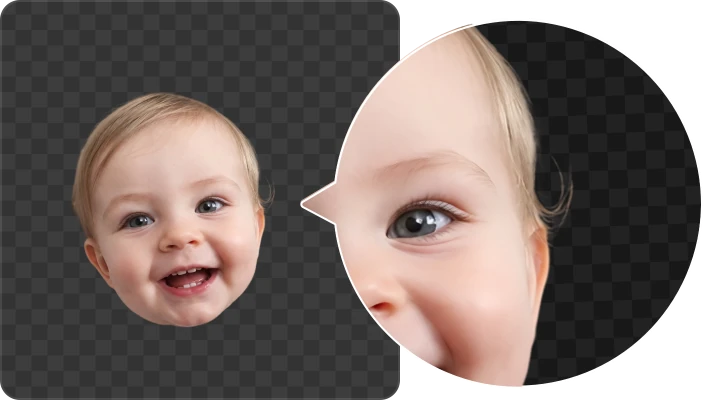
Soft hair, flyaways, and facial contours stay clean — not the “cardboard cutout” look.
Apply fun big-head photo templates in one click — perfect for social avatars, stickers, and event graphics.
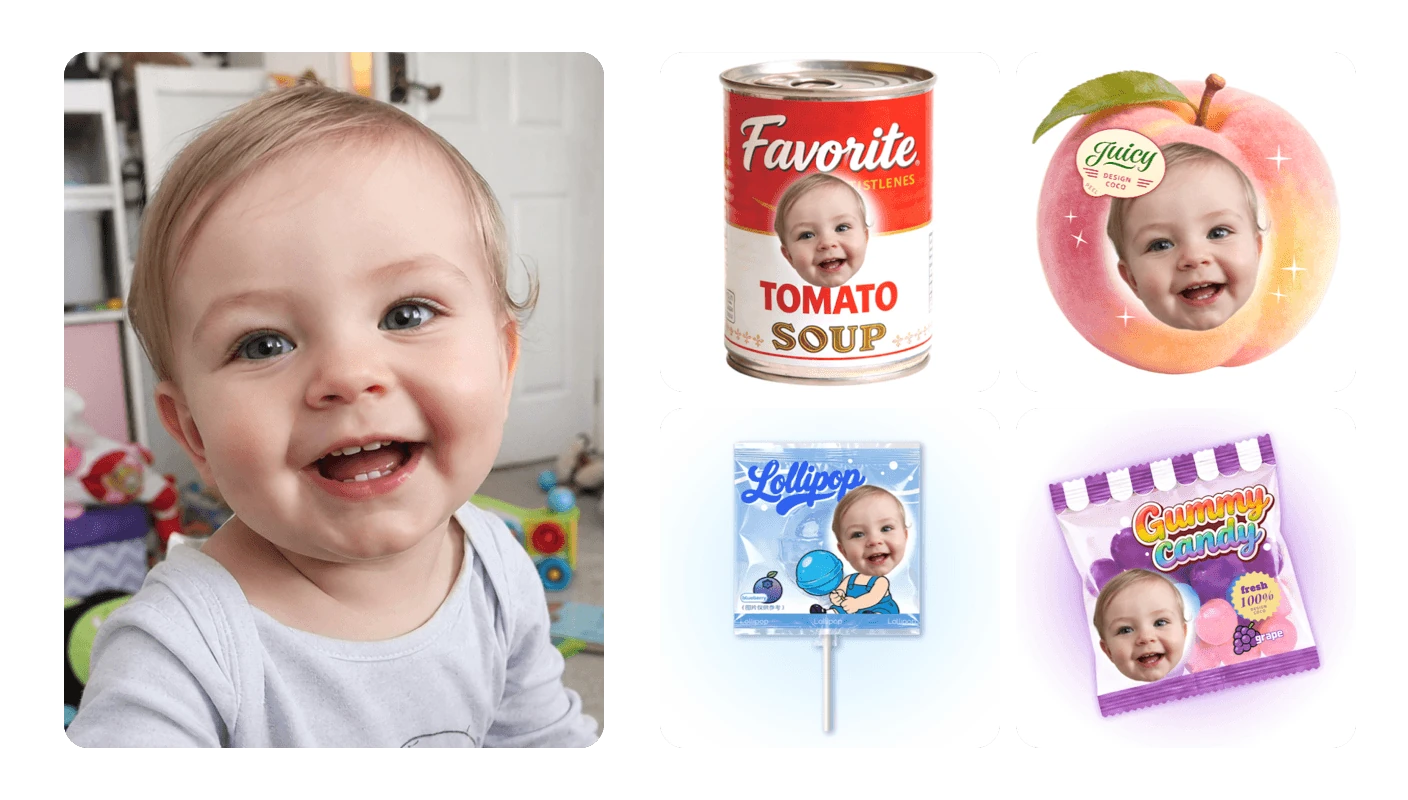
Use CocoAI to remove background from a photo — then switch on fun big-head templates when you want shareable, playful portraits.
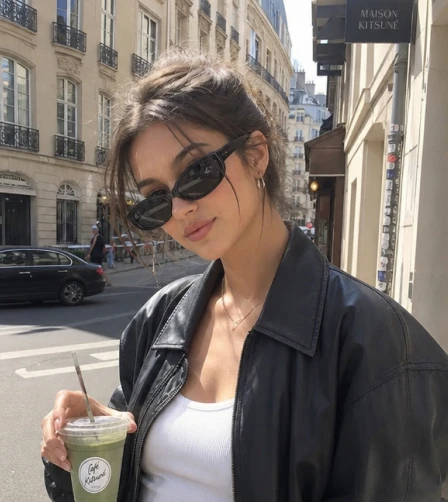
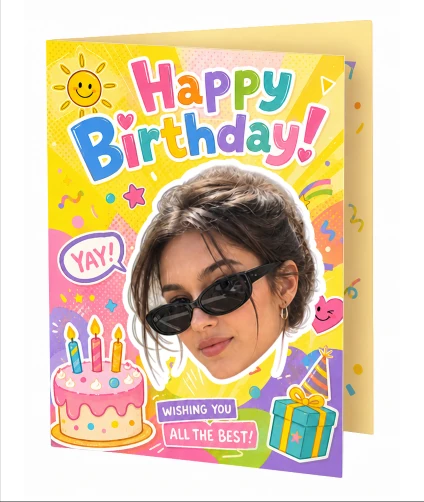
Upload a selfie or portrait to CocoAI's AI Face Cutout — AI isolates the person with hair-level edge precision and delivers a transparent PNG. Download for free, no login needed.
Yes. After face cutout, apply a fun sticker template in one click — enlarge the head and add playful frames or styles, perfect for social avatars, party stickers, and event graphics.
Both work. Clear front-facing portraits give the best face cutout results, and full-body photos are supported when the subject is well defined.
A front-facing photo with even lighting works best. Slightly dim or shadowed shots are still supported — AI preserves natural facial contours and hair detail as much as possible.
Process images automatically in bulk. Speed up your workflow using CocoAI API. With just a few lines of code, you can bring this technology into your application.
Get API Key