

 01
01Upload images in batch on CocoAI
Add JPG, PNG, or WEBP files — up to 10 images in one free batch run. Subscribe to unlock 50 images in one batch run.

Remove backgrounds from up to 10 images per run for free — unlimited runs, edge-precise AI cutouts, no per-batch fee.
01Add JPG, PNG, or WEBP files — up to 10 images in one free batch run. Subscribe to unlock 50 images in one batch run.
 02
02AI removes backgrounds across the batch in one click — hair-level and product edges stay clean.
 03
03Resize, add a background, adjust position and proportion, or apply templates.
 04
04Download transparent PNGs or edited results for free — run again anytime with no run limit.
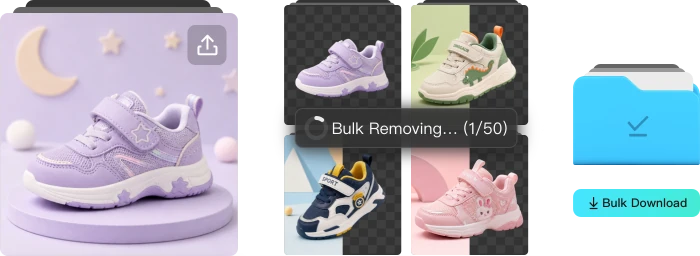
Upload once, remove backgrounds across the set, resize, change background, use template and download together — faster than editing file by file.
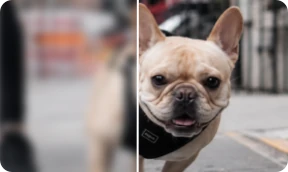
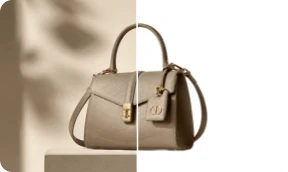
Portraits, products, and graphics keep clean edges — not jagged masks or leftover background noise.
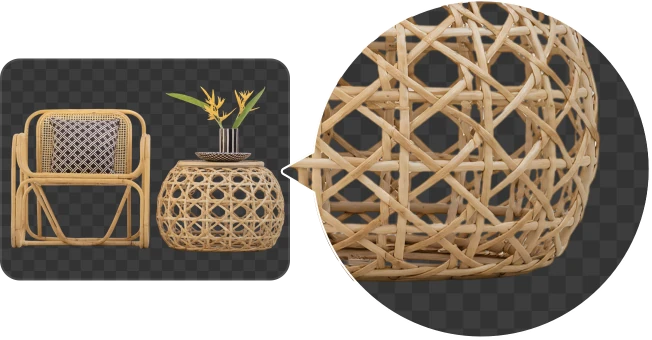
CocoAI's Bulk AI Background Remover processes up to 50 images per batch in seconds with hair-level edge precision — covering portraits, products, and graphics.
Yes. After batch removal, apply transparent, white, or custom-color backgrounds to all images in one click — keeping visual consistency across the full set, then download together.
Yes. Batch processing uses the same AI models — hair-level portrait edges and clean product outlines stay sharp across the full set.
A full batch of 50 images typically finishes within tens of seconds — GPU acceleration keeps each image at single-digit seconds. Actual speed depends on image size and complexity.