

 01
01Upload your images in CocoAI
Add JPG, PNG, or WEBP files — up to 10 images in one free batch run. Subscribe to unlock 50 images in one batch run.
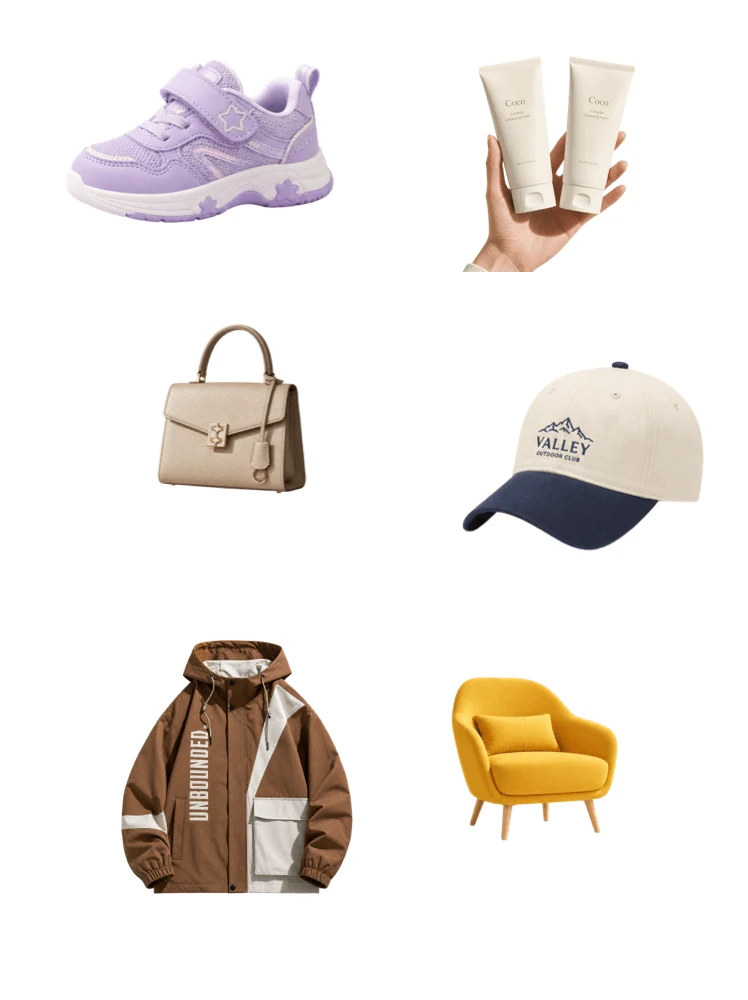

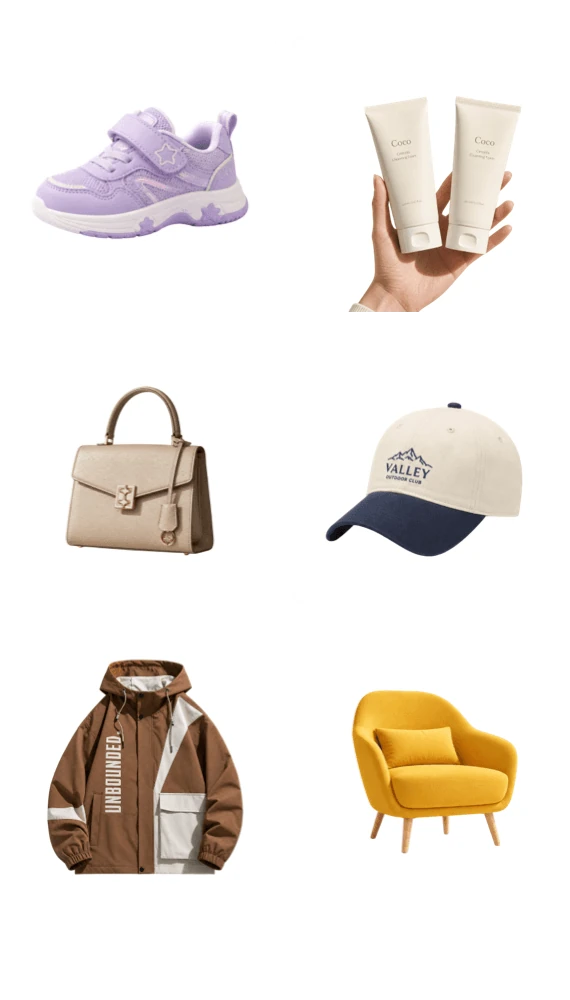
 Amazon 2000 x 2000px
Resize images in batch for free with consistent dimensions — ready for listings, social grids, and design packs.
01Add JPG, PNG, or WEBP files — up to 10 images in one free batch run. Subscribe to unlock 50 images in one batch run.
 02
02Choose dimensions or a preset size and apply the same resize across the batch.
 03
03Resize, add a background, adjust position and proportion, or apply templates.
 04
04Download the resized set together — start another batch anytime.
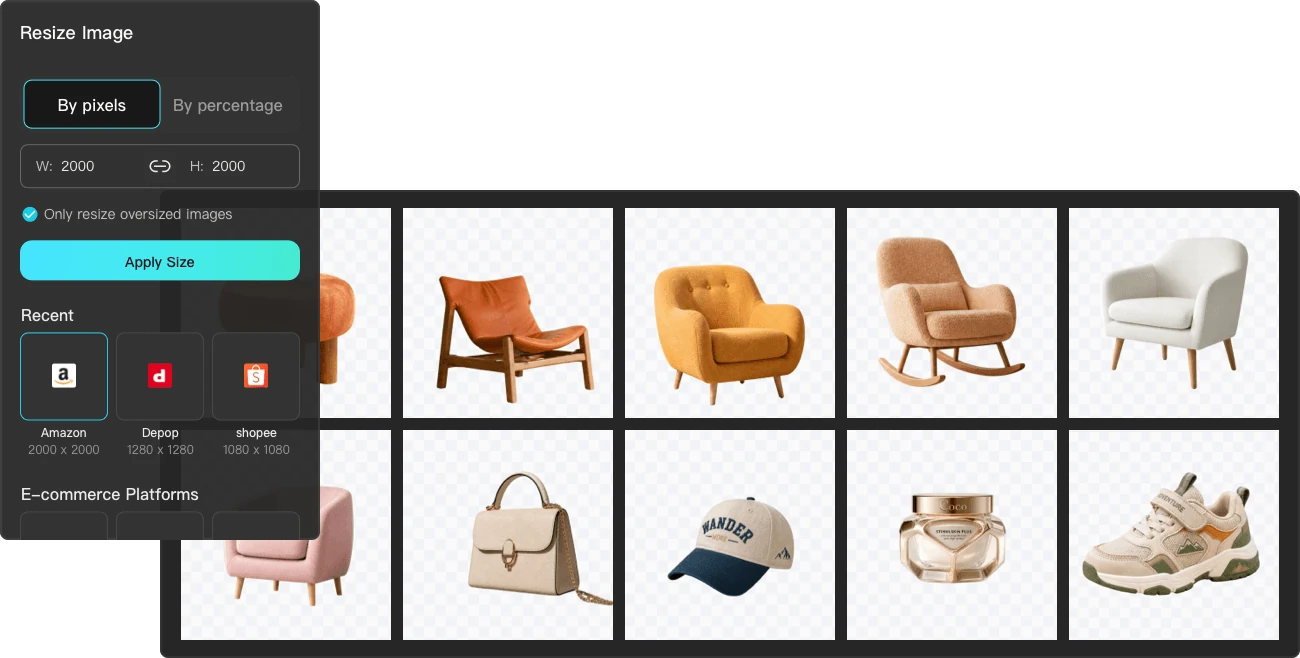
Apply one target size to the whole batch — ideal for storefronts, grids, and design systems.
Resize up to 10 images per run for free. Also adjust position and proportion, add AI shadows, and more.
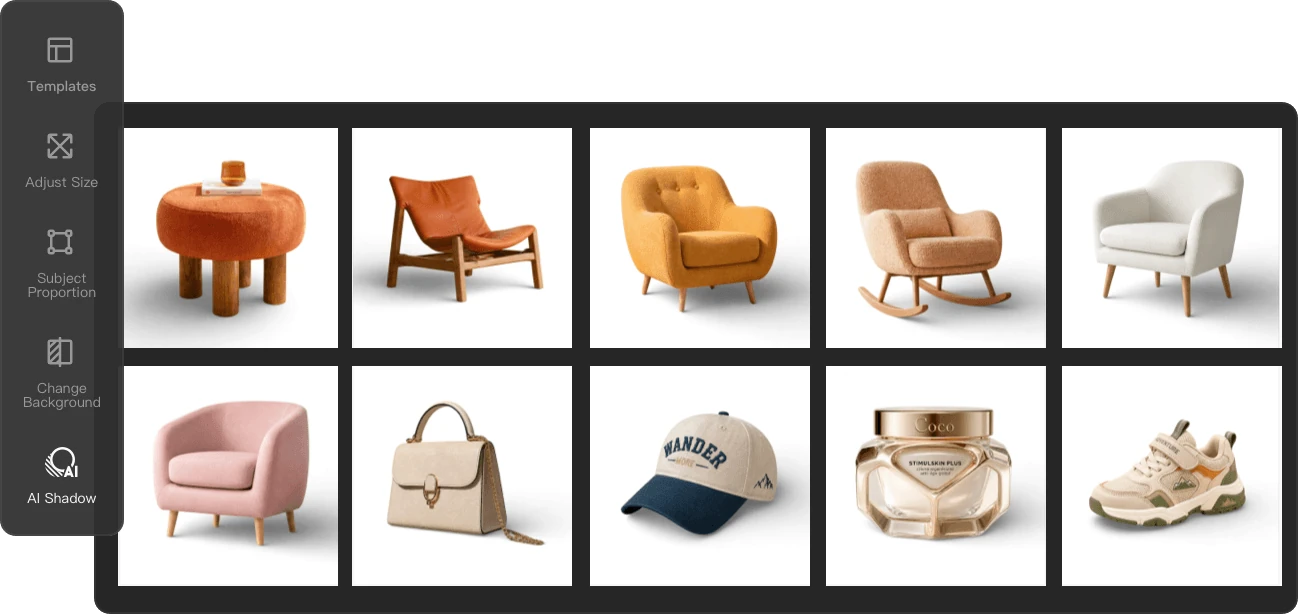
Upload images in batch to CocoAI's Batch Image Resizer, set one target size, apply it to the full set, and download — no desktop software needed.
Yes. Choose one target size or preset and apply it across the full batch — ideal for consistent storefronts, social grids, and design systems.
Both. Lock the aspect ratio for proportional scaling (change width, height auto-calculates), or set custom width and height independently — flexible for grids, listings, or design specs.
Downsizing preserves quality. Upsizing beyond the original resolution may introduce slight softness — for upscaling with quality enhancement, use the AI Image Enhancer tool instead.